Price tags, sale badges and your brand on every ad image.
Feedflock draws on the product photo before your feed goes out. Meta, Pinterest, TikTok and other ad channels show the designed image. Your photos in Shopify stay as they are.
- Every plan, Free included
- No HTML
- Shopify photos untouched
Use cases
One editor, every kind of ad image.
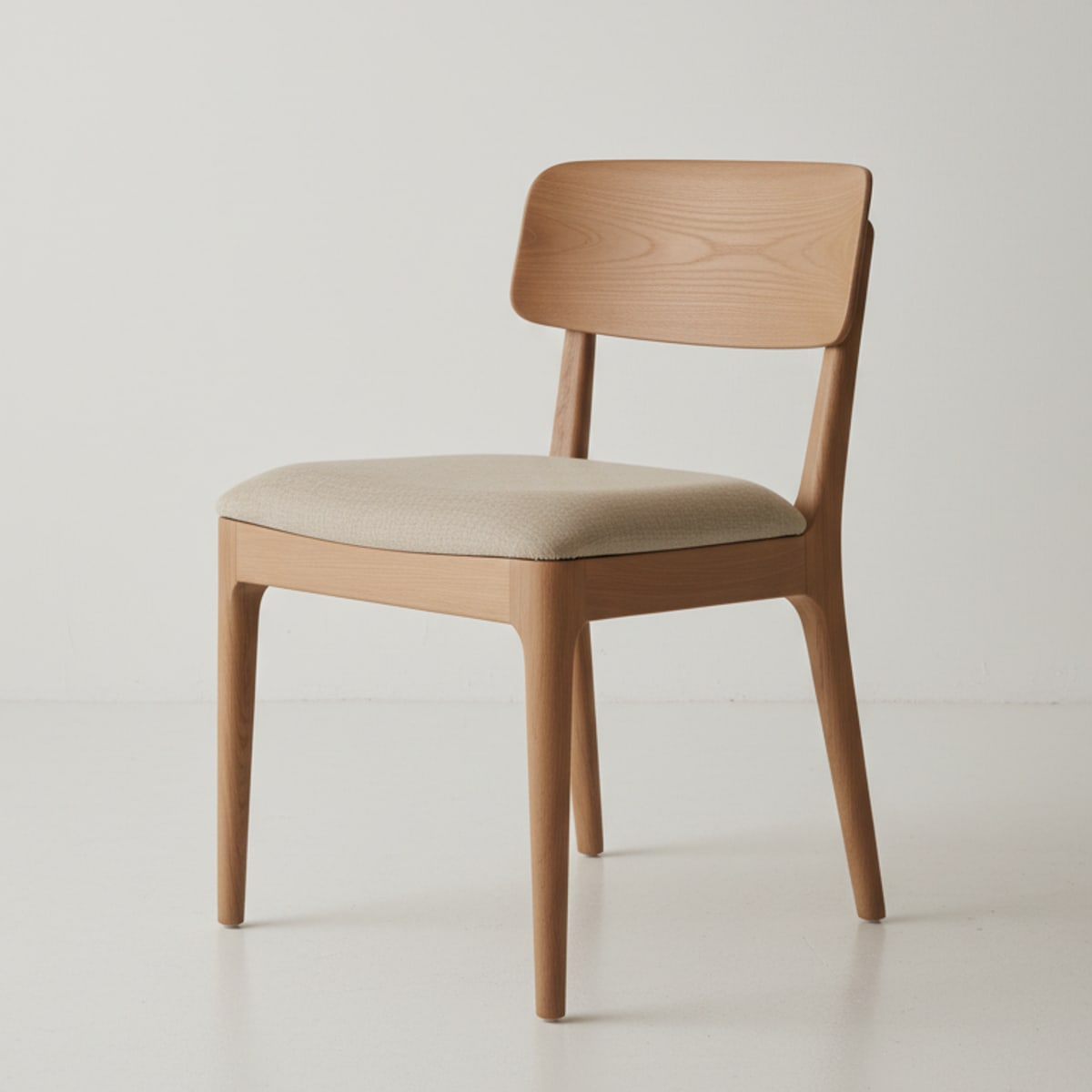
Each image below came out of a real feed. A condition decides which products get which design.
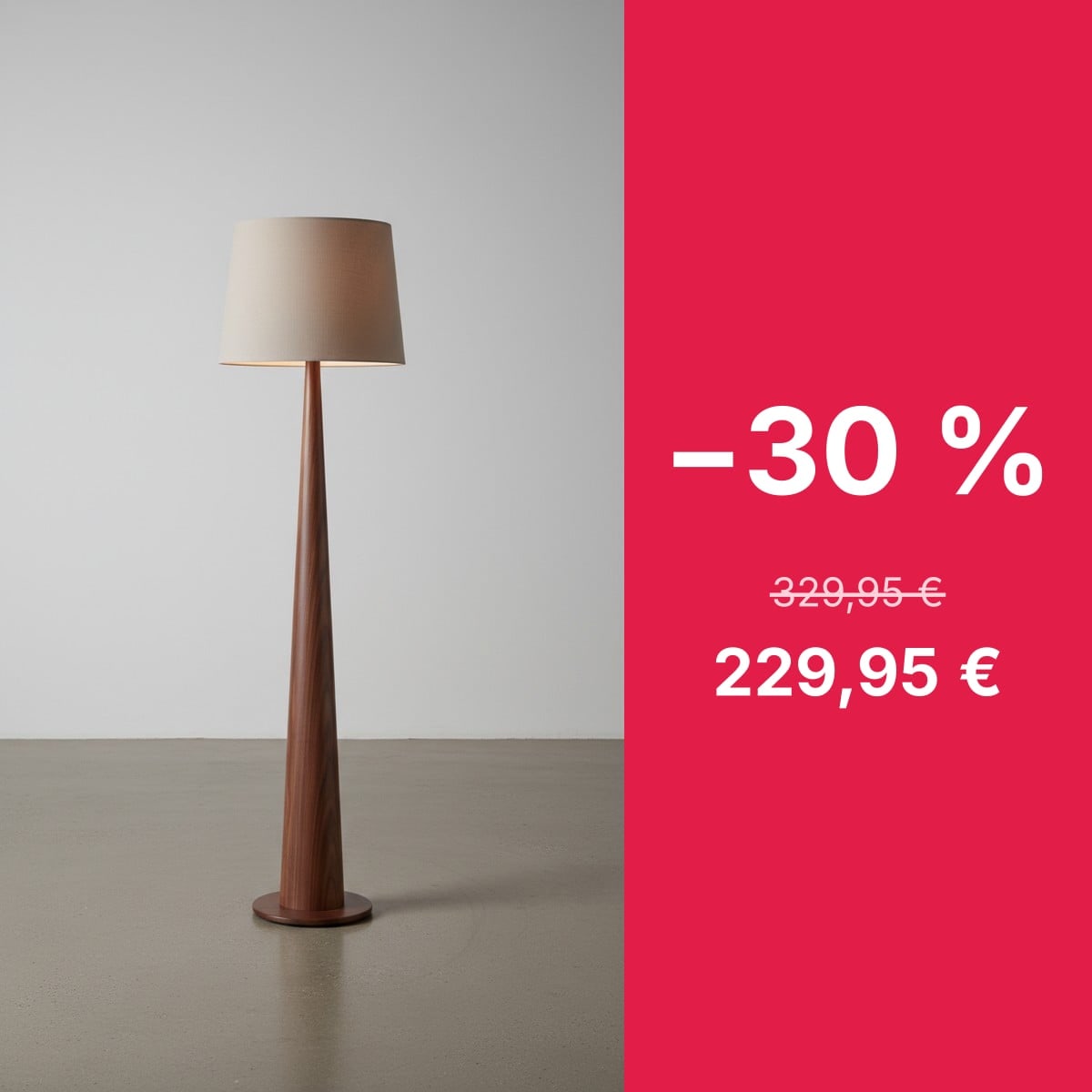
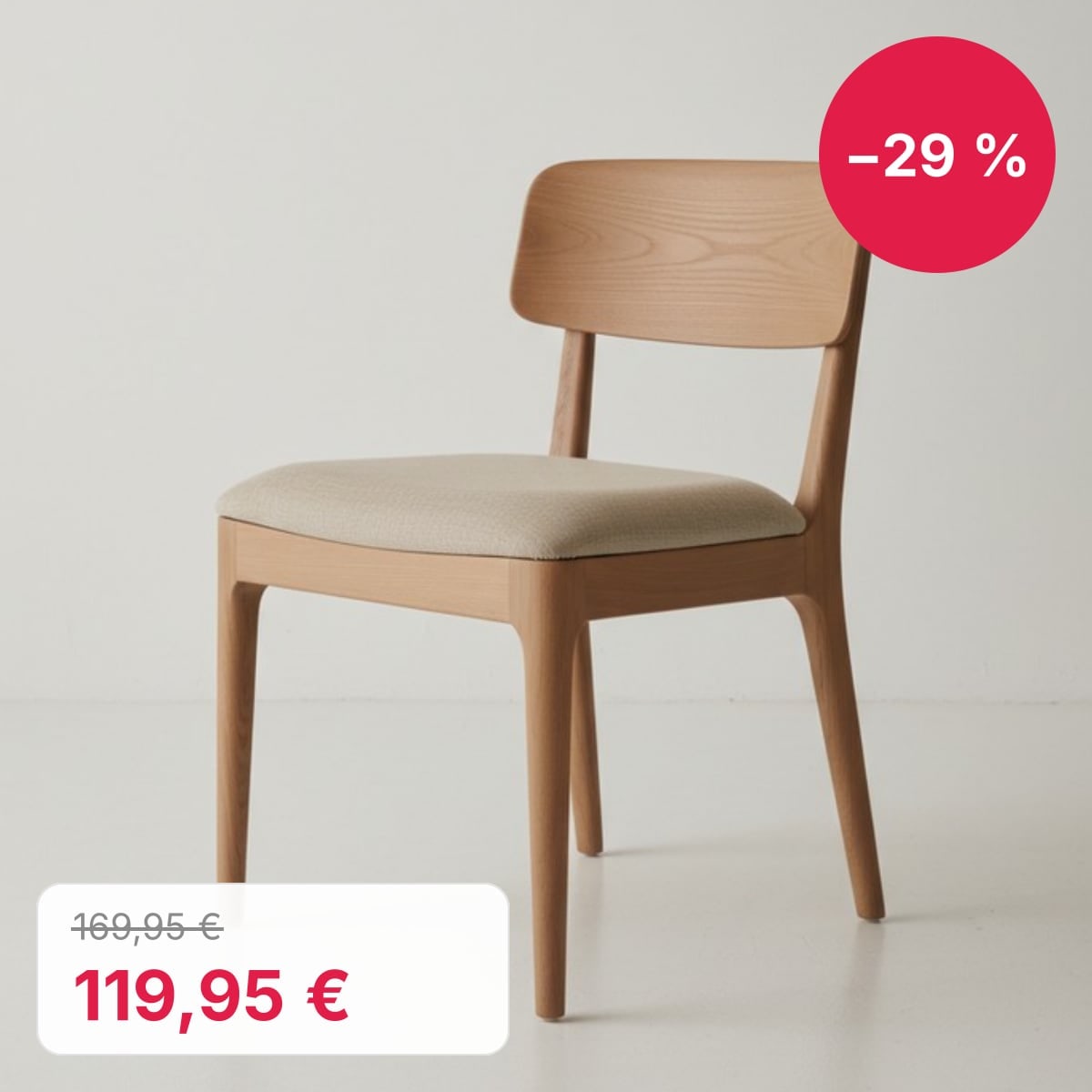
Sale badge with the real discount
The percentage comes from the compare-at price, so it is right on every product.
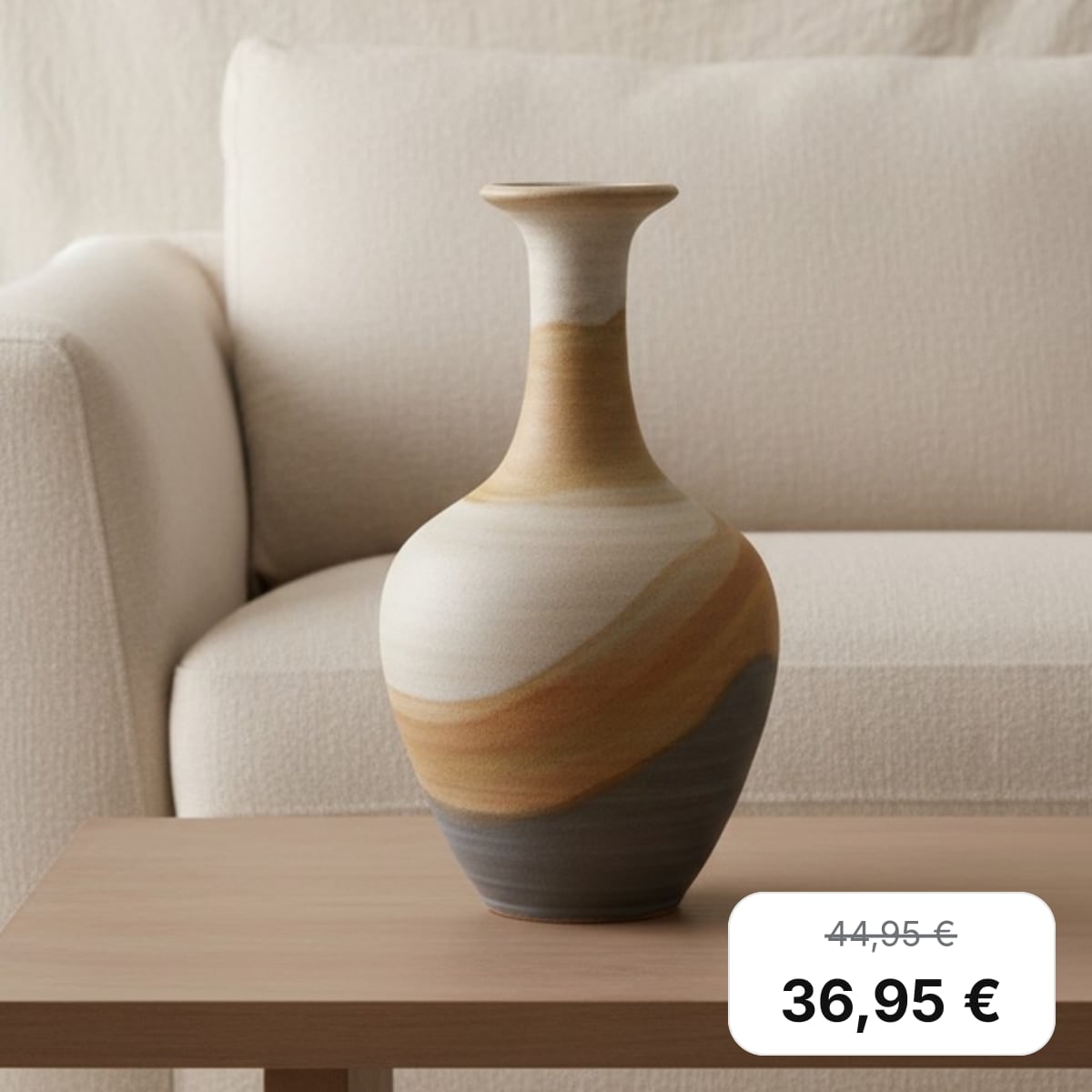
Price tag with the old price
The price from the feed, in the feed's currency, with the original price struck through.
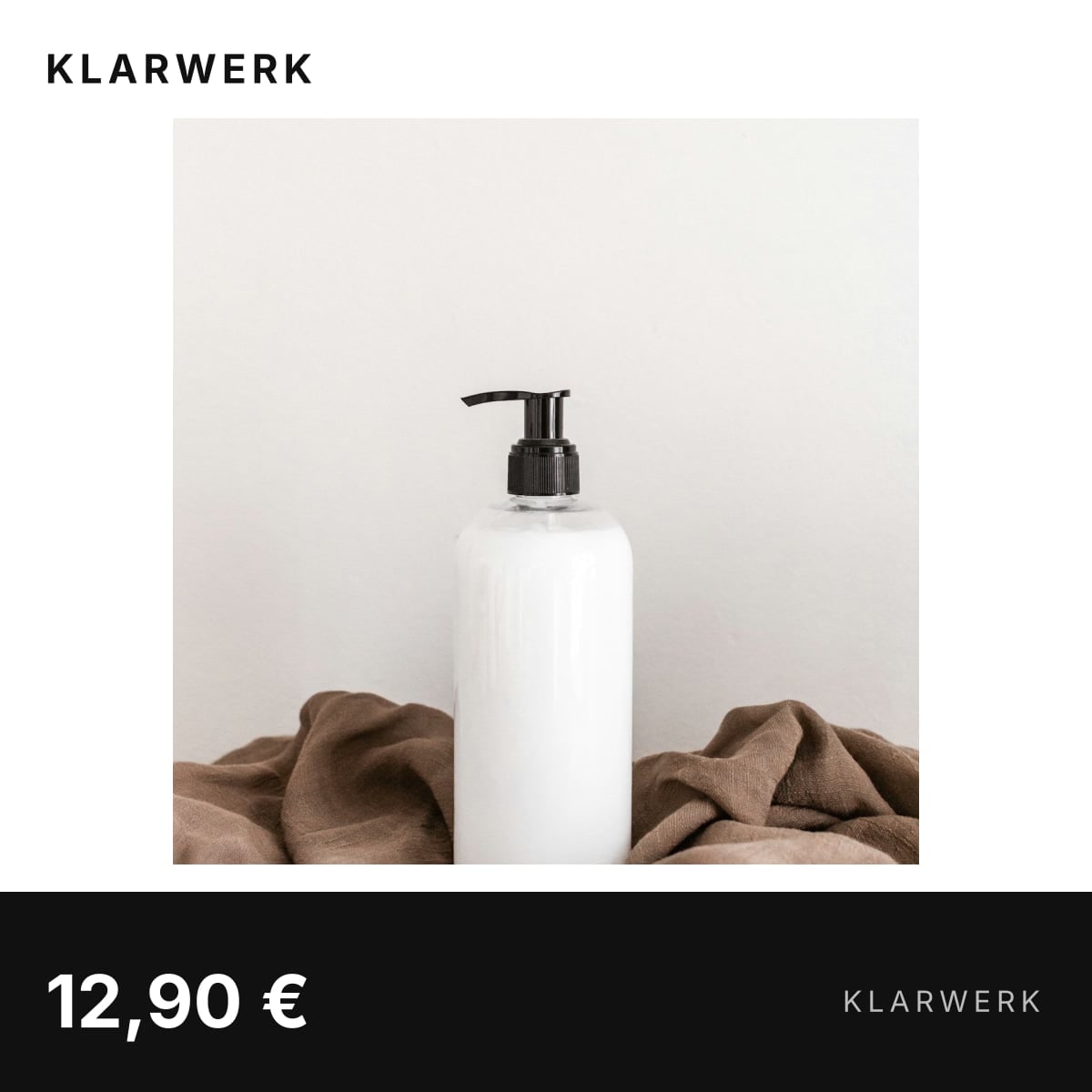
Your brand on every photo
The same frame and brand name on every photo, so your ads look like your shop.
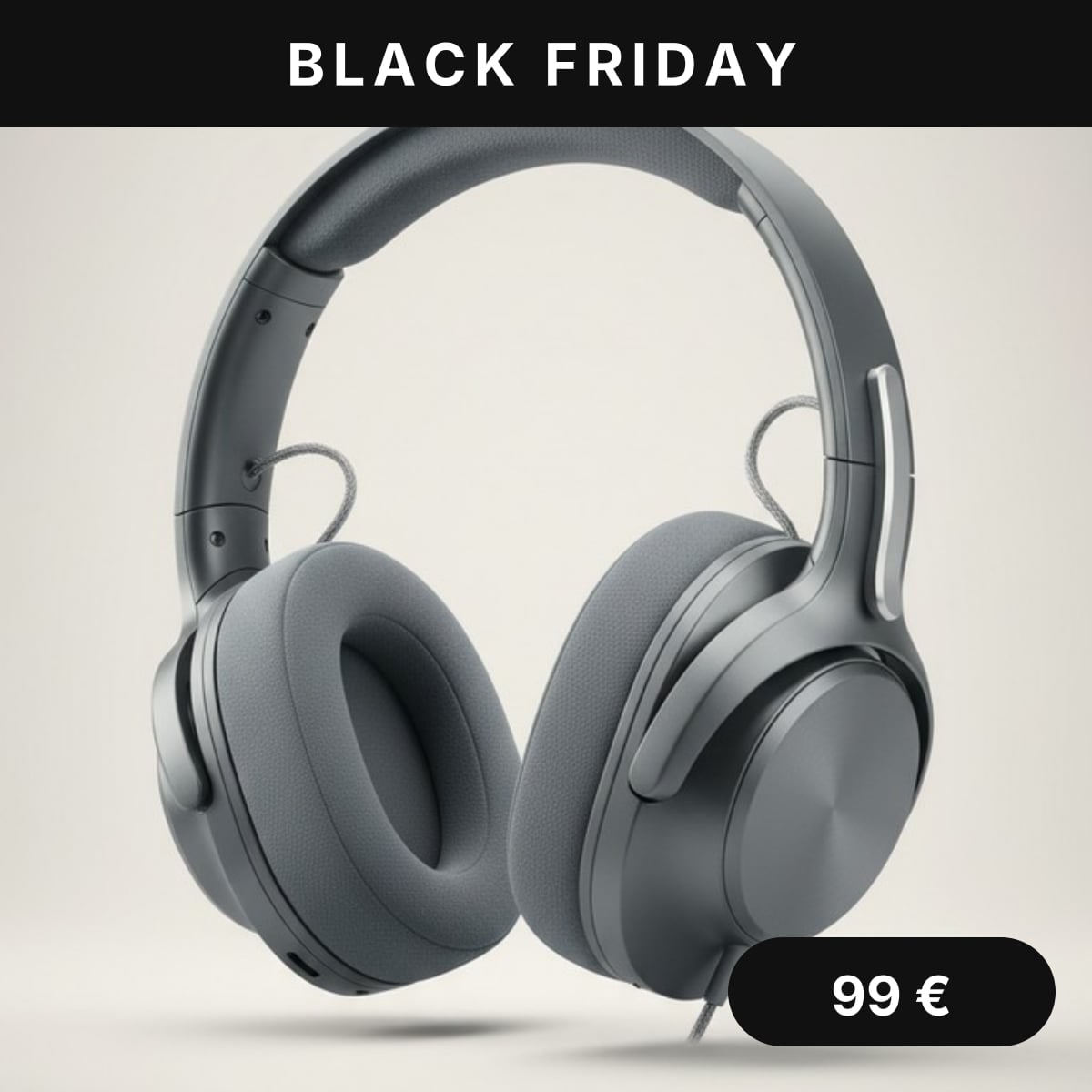
Black Friday for four days
A campaign swaps the design from Friday to Monday. Then the regular one comes back.
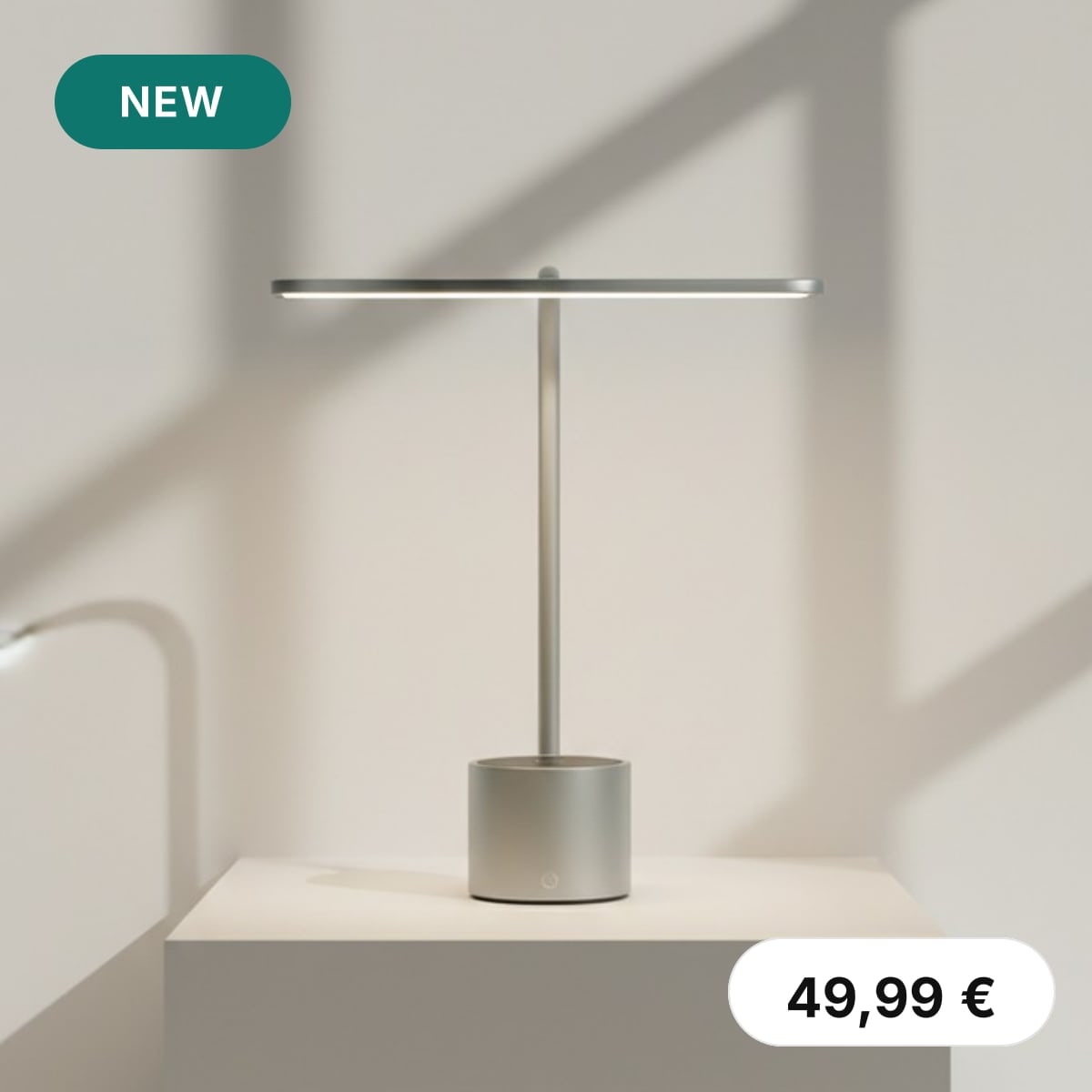
New badge from a tag
Tag a product new in Shopify and the next run gives it the badge.
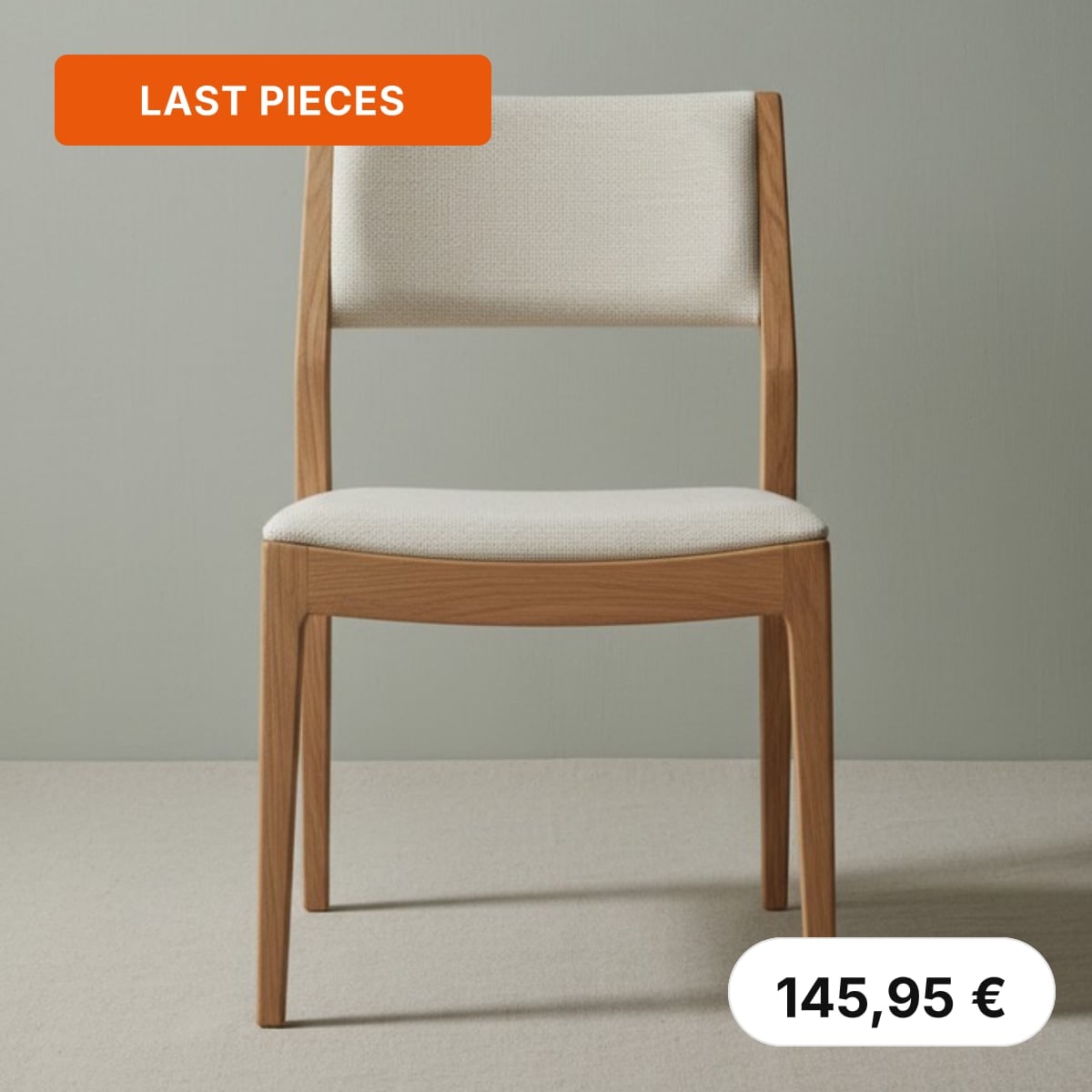
Last pieces on low stock
Shows when stock drops to your number and disappears after a restock.
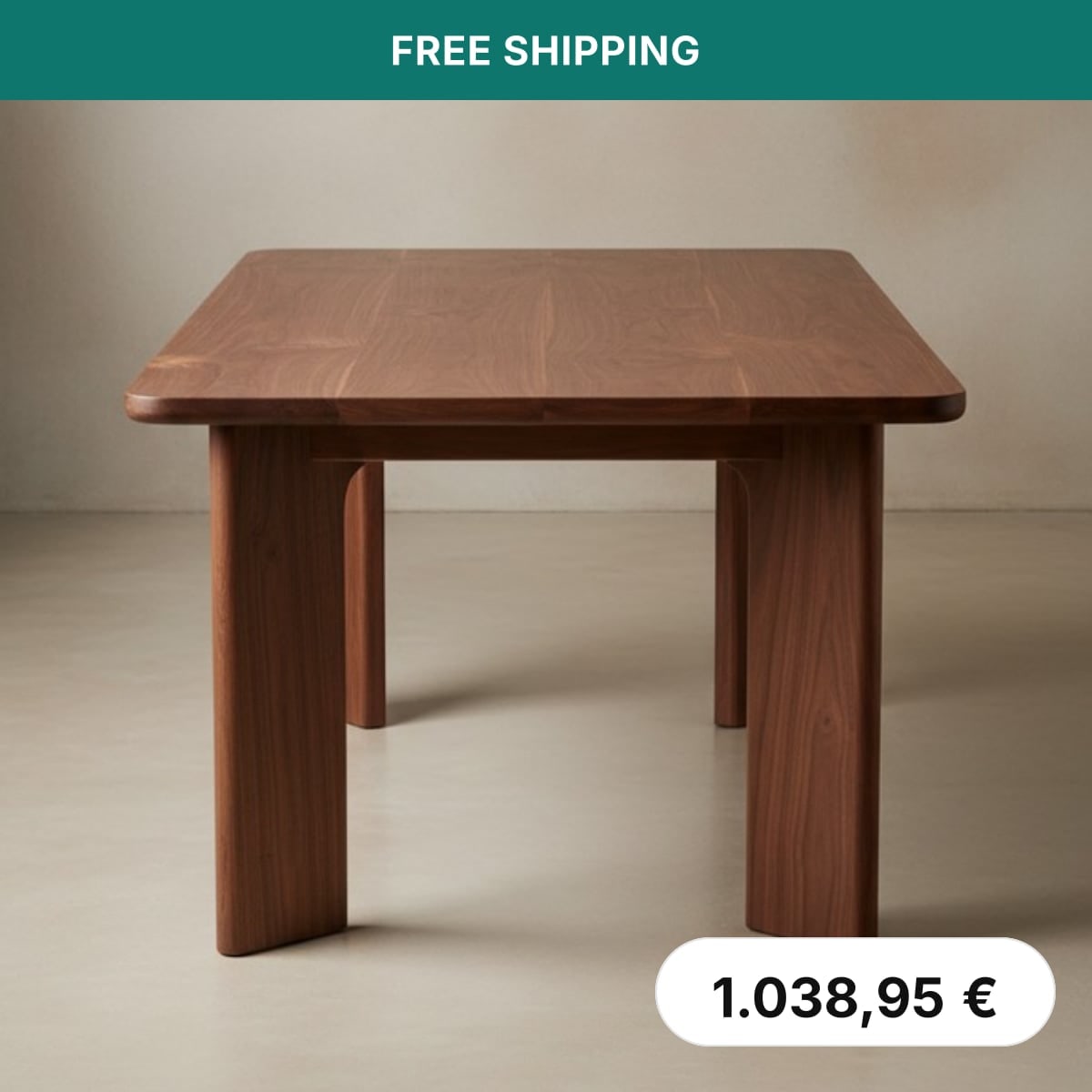
Free shipping from a price
A band on products above your free shipping threshold.
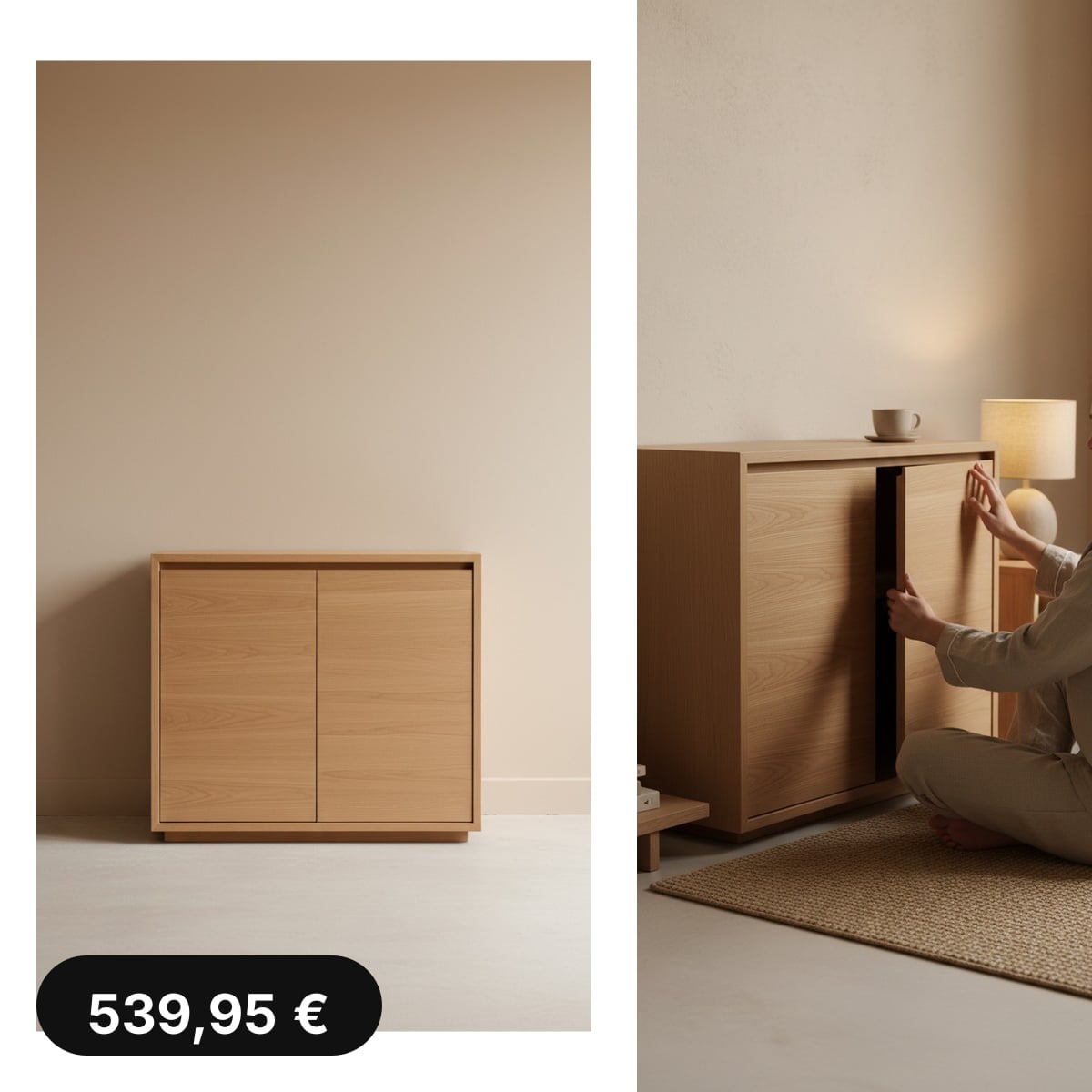
Lifestyle collage
The product photo next to its second image from Shopify, in one ad image.
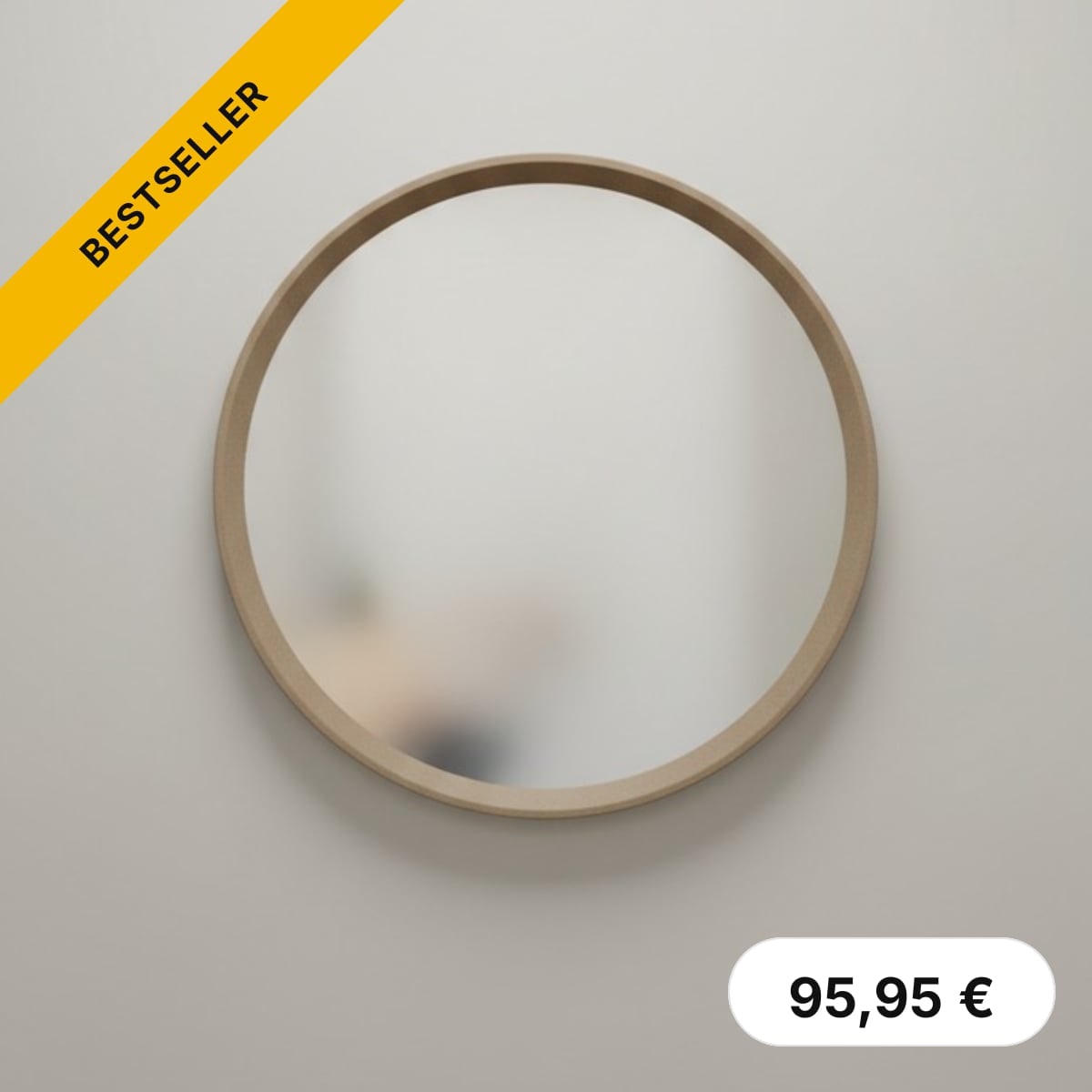
Bestseller ribbon for a collection
Every product in the collection gets the ribbon. The rest stay plain.
Demo
You set it up. Shopify fills in the numbers.
Start from a template drawn on your own product. Move layers on the canvas, put the price or the discount into a text and show a badge only on products on sale, for the dates of a campaign. No HTML.
How it works
From template to feed in three steps.
Everything happens in Feedflock in your Shopify admin.
- 1
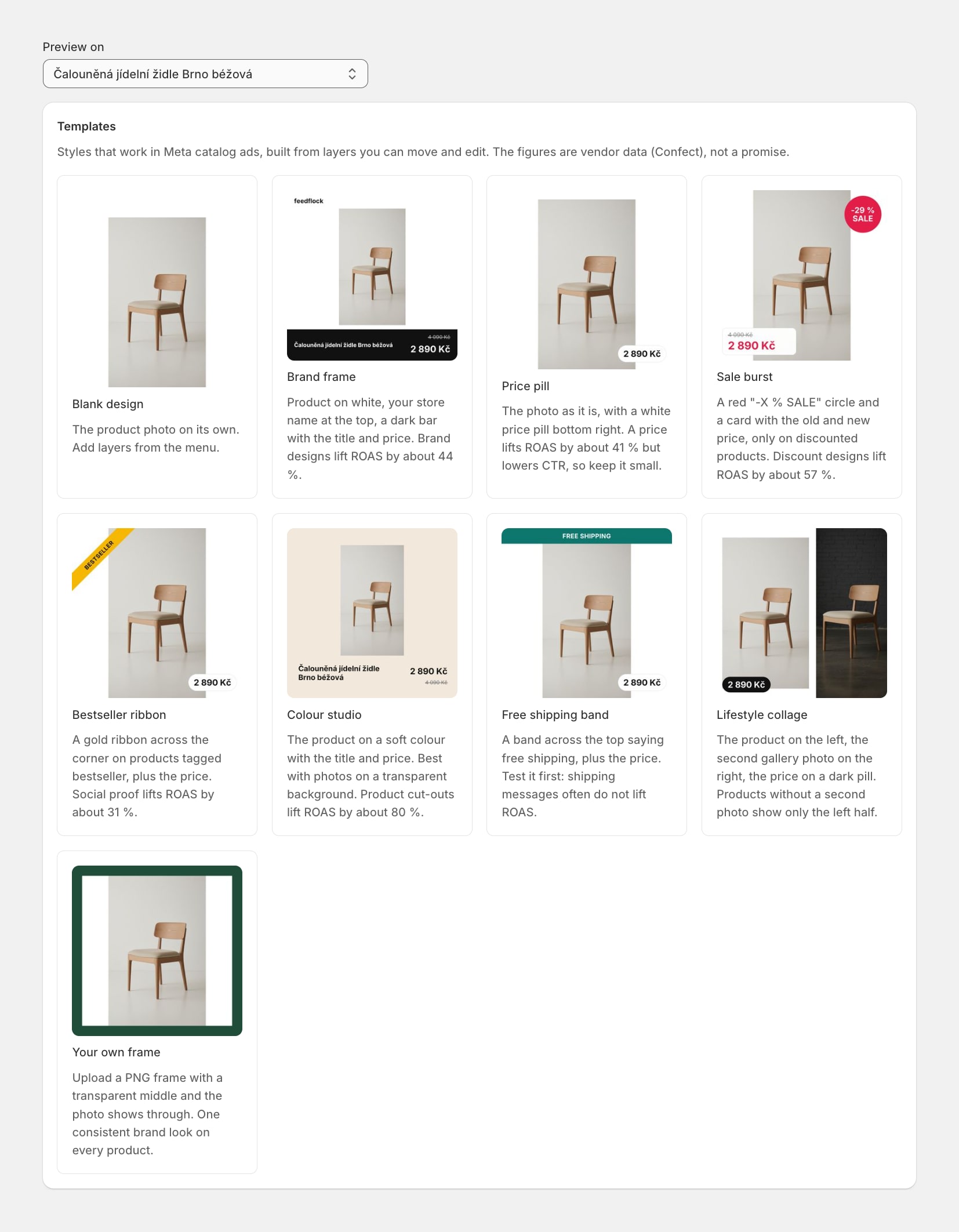
Pick a template
The gallery draws each template on one of your own products, in your currency.
- 2
Edit the layers
Move, resize and restyle layers on the canvas. A condition shows a layer only on some products. No HTML.
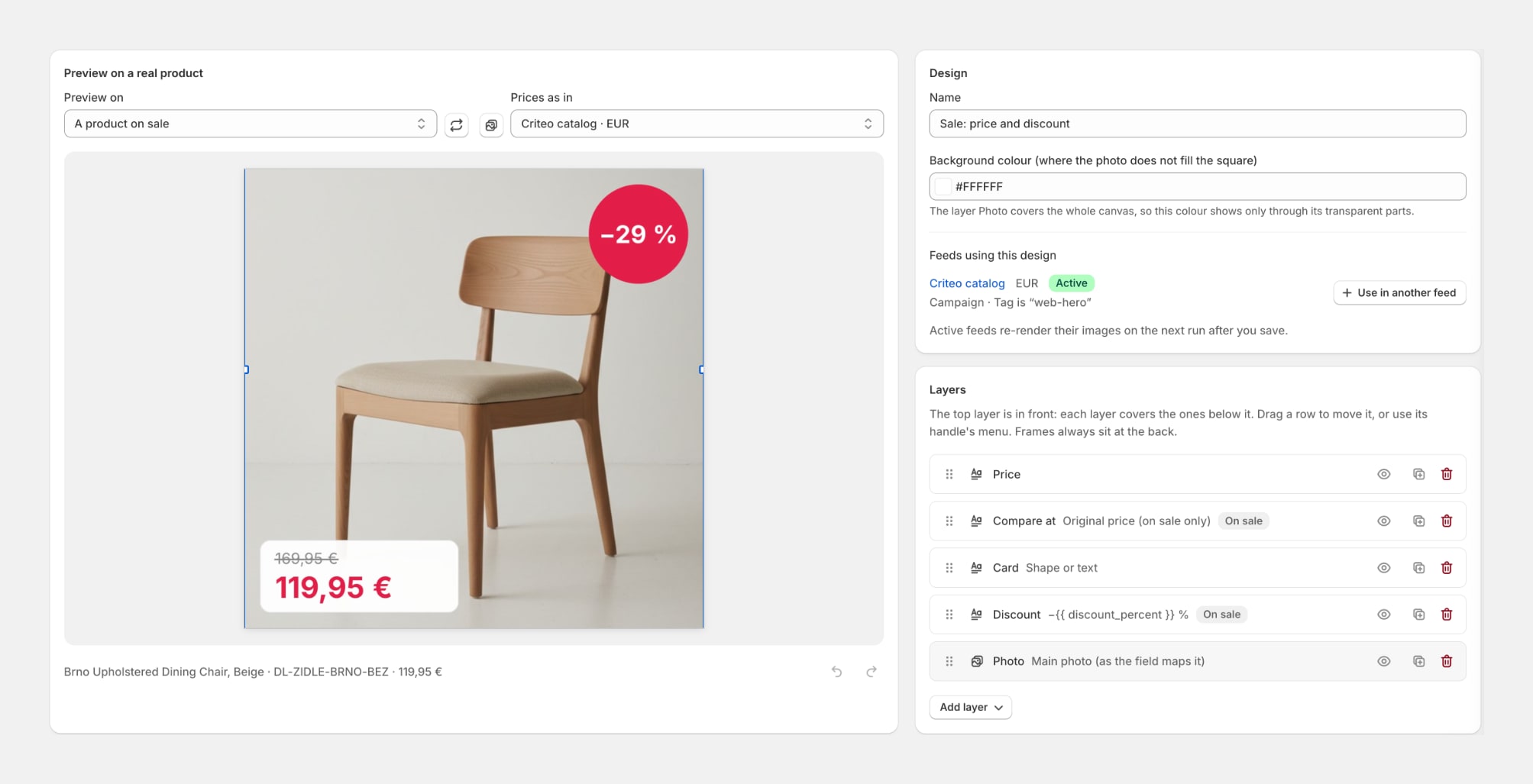
- 3
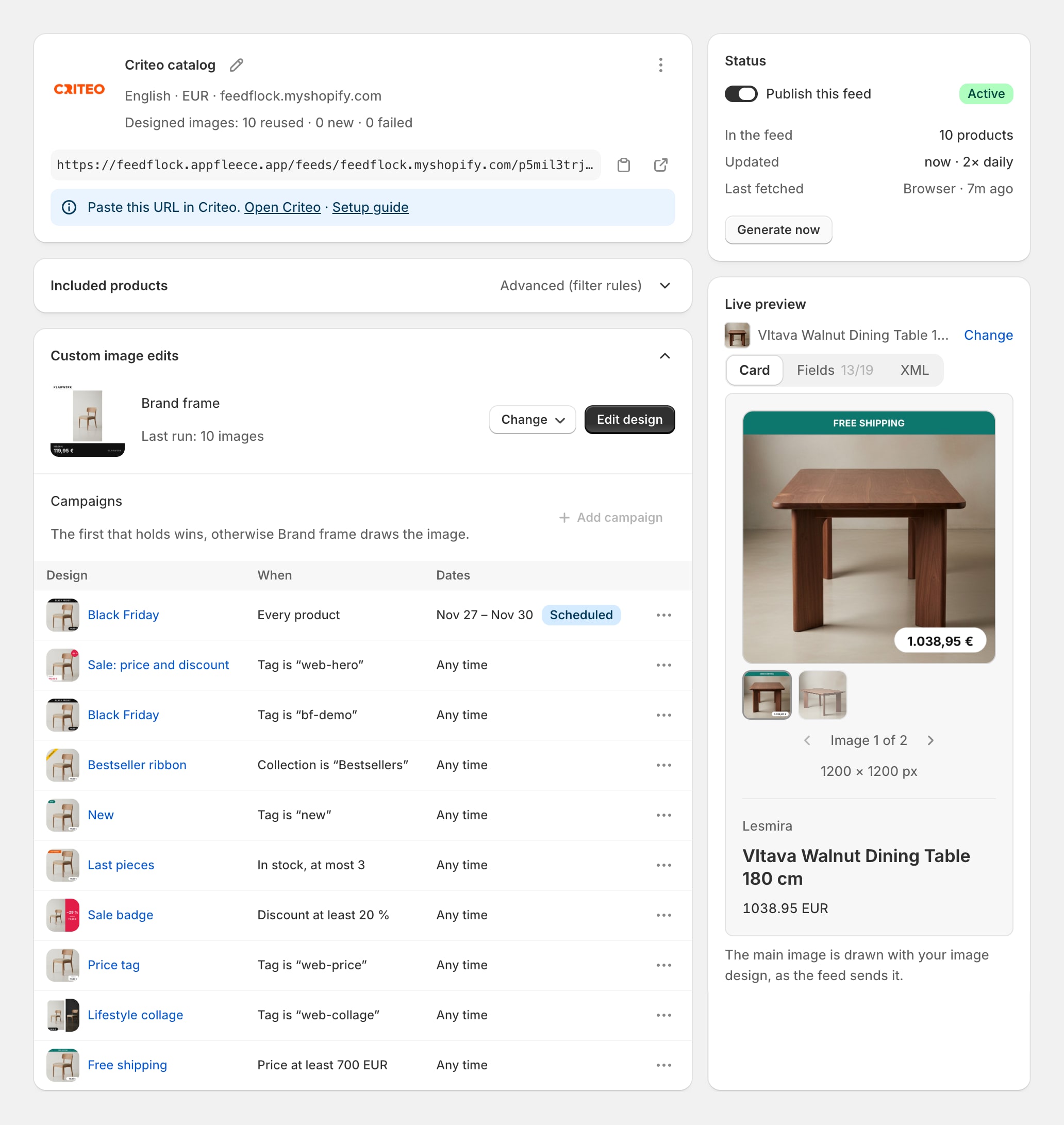
Choose it in an ad feed
Pick the design under Custom image edits in the feed. The live preview shows the image the feed sends.
Campaigns
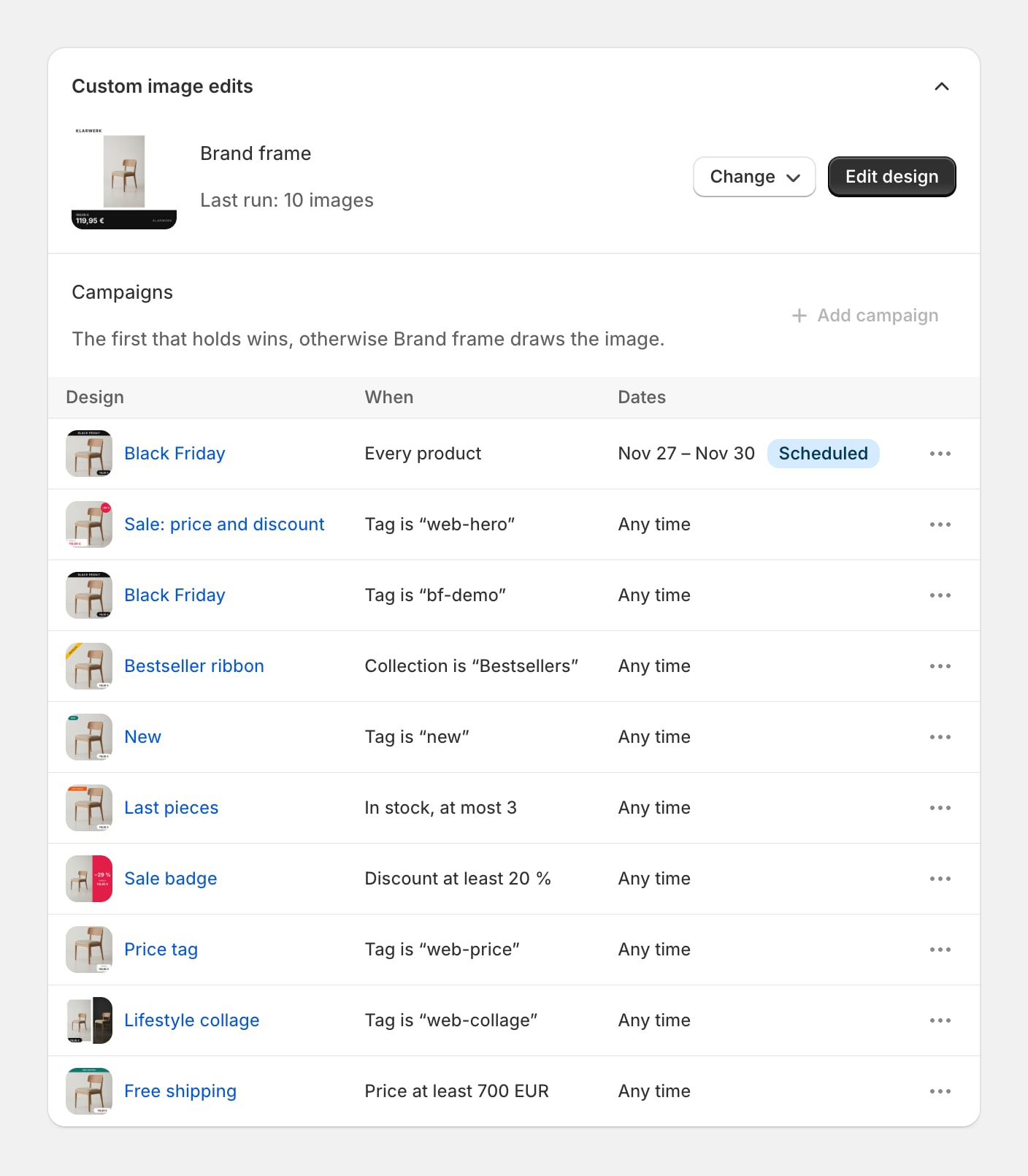
Sale images for the sale, not a day longer.
Under Campaigns you set when another design takes over: by date, by tag, collection, stock, discount or price. The feed regenerates at the start and at the end of a campaign on its own.
Channels
Works in your ad feeds.
Pick a design in any of these feeds. Each one sends the designed image as the product's main image.
- Meta
- TikTok
- Snapchat
- X
- Criteo
- AdRoll
- AppLovin
- Google Dynamic Remarketing
- Adform


Price comparison sites such as Google Shopping and Heureka want a clean product photo, so their feeds keep it.
On every plan, Free included.
There is no image editor add-on to buy. Your plan only decides how many feeds and products you run.
See the plansFAQ
Image design questions.
What merchants ask before their first design.
Get on every marketplace that matters this afternoon.
Install free, connect your first feed in minutes, and let Feedflock keep it fresh and validated.